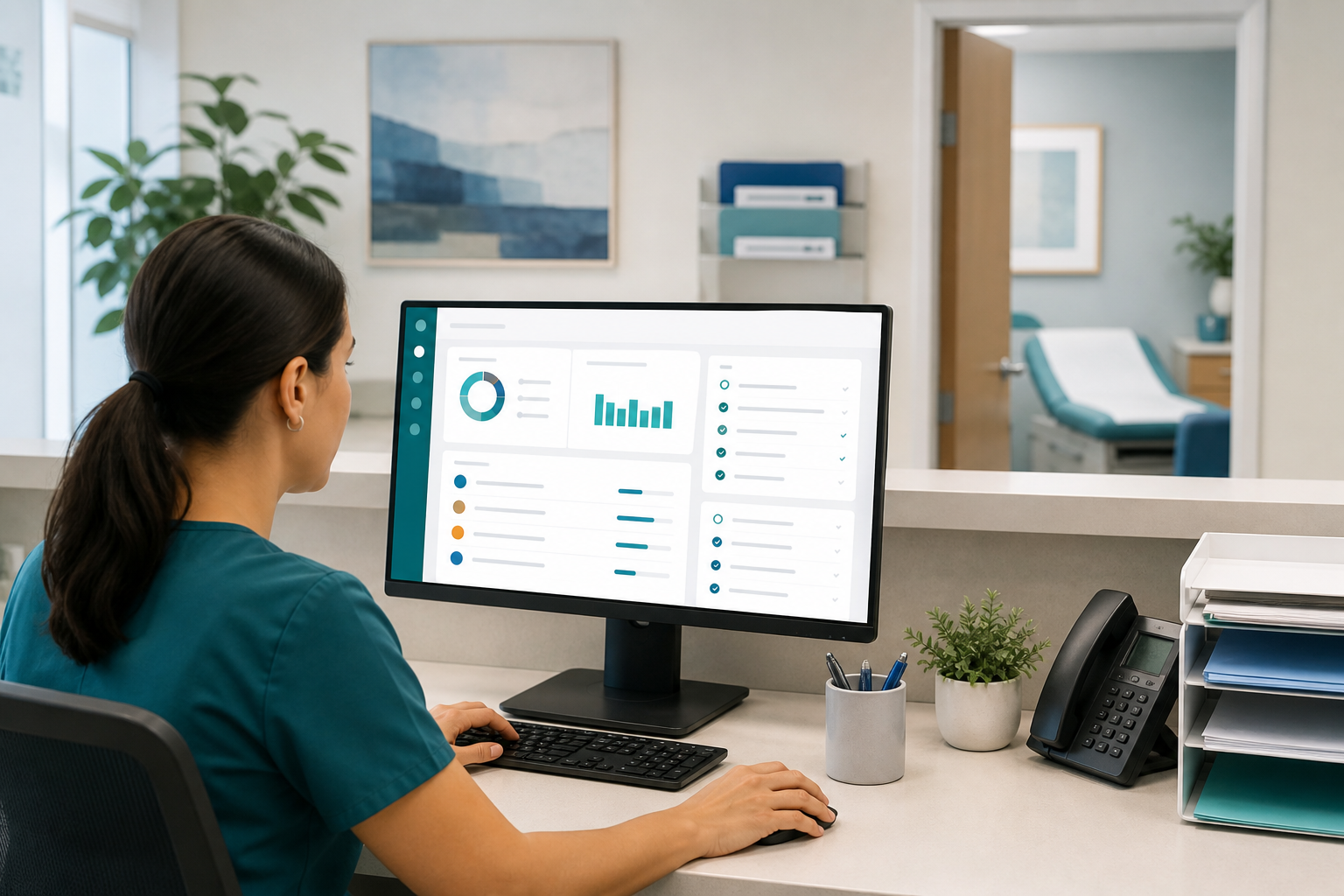
For small and independent practices, after-hours call triage is not just a phone protocol. It is a patient safety process, a staff protection strategy, and a major part of the patient experience. When the workflow is unclear, urgent issues can sit too long, non-urgent messages can interrupt clinicians overnight, and front-desk or clinical staff can end up carrying an invisible workload that steadily leads to frustration and burnout. The good news is that a simple, documented system can make after-hours communication far more manageable.
The goal is not to create a perfect 24/7 operation. It is to build an approach that helps the right person see the right message at the right time, while setting realistic response-time expectations for patients and preserving healthy boundaries for your team. For many small practices, that starts with clear triage categories, better scripting, and a reliable practice management system that supports message documentation and follow-up.
Why after-hours triage breaks down in small practices
Small practices usually do not have a dedicated call center or a large clinical operations team. The same people who answer phones, room patients, handle refill requests, and work claims may also be expected to monitor after-hours patient messages. That creates predictable friction.
- No clear definition of urgent vs. non-urgent: Staff members make judgment calls inconsistently.
- Too many channels: Calls, portal messages, texts, and voicemails arrive in separate places.
- Unclear ownership: Staff are unsure who is on call, who escalates, and who documents the outcome.
- Unrealistic patient expectations: Patients assume every portal message will be answered immediately.
- Poor handoff processes: Overnight or weekend issues do not reliably make it into the next business day workflow.
These gaps can create both safety and operational risk. Even when no adverse event occurs, the team often pays the price through repeated interruptions, duplicated work, and resentment about being “always on.”
Start with a simple after-hours call triage policy
Your workflow will be easier to follow if it is built on a short written policy that everyone can reference. This policy does not need to be long. In fact, a one- or two-page document is often more useful than a complex manual that no one reads.
Define the purpose of the workflow
State clearly what the process is meant to accomplish:
- Route truly urgent issues quickly
- Set boundaries for routine after-hours patient messages
- Ensure documentation is captured in the chart or message log
- Protect staff and clinician time outside business hours
Identify which channels are covered
List every way patients may try to contact the practice after hours:
- Main office phone line and voicemail
- Answering service
- Patient portal
- Text or SMS platform, if used
- Online contact forms
If the practice does not monitor a channel after hours, say that explicitly in the policy and in patient-facing messaging. Many problems begin when patients use a channel that the practice assumes is non-urgent, but the patient assumes is monitored continuously.
Assign owners and backup coverage
Every after-hours path should have a named owner. For example, your answering service may page the on-call clinician for urgent symptoms, while portal messages wait until the next business day unless they meet a defined escalation standard. Include backup coverage in case the primary on-call person is unavailable.
Tip: If your workflow depends on staff remembering verbal instructions, it is too fragile. Put the routing rules, call schedule, and escalation steps in one shared location.
Build clear triage categories for urgent message routing
A strong on-call workflow depends on simple categories that staff and clinicians can apply consistently. Most small practices do well with three levels.
1. Emergency: send to 911 or the emergency department
These are situations the practice should not attempt to manage by portal or voicemail. Your voicemail greeting, portal auto-reply, and answering service script should direct patients with emergency symptoms to call 911 or go to the nearest emergency department immediately.
Examples may include chest pain, severe shortness of breath, stroke symptoms, uncontrolled bleeding, or loss of consciousness. Use symptom examples carefully and review them with clinical leadership. General emergency guidance from organizations such as the AMA and patient safety standards from healthcare regulators can help inform your language.
2. Urgent: requires same-evening or on-call review
These are issues that may need timely clinical input but are not obvious emergencies. Depending on specialty, examples might include:
- Post-procedure concerns
- Fever in a vulnerable patient population
- Medication reactions
- Worsening pain not relieved by the care plan
- New symptoms after a recent visit or surgery
For these messages, the route should be immediate and specific: answering service to on-call clinician, or alert to the designated triage nurse with escalation rules. The key is to define what “urgent” means for your patient population rather than using a vague label.
3. Routine: hold for next business day
Most after-hours patient messages fall into this category. Refill requests, scheduling questions, paperwork, billing questions, school notes, and stable symptoms without red-flag features generally should wait for standard office hours. That is not poor service. It is appropriate use of practice resources.
What matters is that patients know this in advance. If you say nothing, they often assume silence means a technical failure or neglect.
Set response-time expectations early and often
One of the best ways to reduce unnecessary escalations is to tell patients exactly what to expect. Clear response-time expectations should appear in every major communication channel.
Where to communicate expectations
- Voicemail greeting
- Patient portal auto-response
- Website contact page
- New patient paperwork
- Visit summary or checkout instructions
What your language should cover
- Which messages are not monitored continuously
- When routine messages are reviewed
- How urgent concerns should be reported
- When patients should call 911 or seek emergency care
For example, a portal auto-reply might explain that routine portal messages are reviewed during business hours, while urgent medical concerns after hours should be directed to the office phone line or on-call service. If your practice uses digital communication tools through a centralized platform like MediCore, align your messaging across channels so patients do not receive conflicting instructions.
Create a practical on-call workflow your team can actually follow
An effective on-call workflow should reduce decision fatigue, not add to it. The easiest way to do that is to map the process step by step.
Recommended workflow for small practices
- Patient contacts the practice after hours. The message enters through phone, answering service, or portal.
- Initial script or auto-response guides the patient. Emergency symptoms are directed to 911 or the ED.
- Urgent issues are routed to the on-call person. The answering service or triage staff uses a defined escalation protocol.
- Routine issues are logged for the next business day. No overnight interruption unless criteria are met.
- All urgent interactions are documented. Include time received, callback time, guidance given, and follow-up needs.
- Next-day handoff is completed. The office team reviews all overnight activity and closes the loop.
Use scripts to support consistency
Scripts help staff avoid uncertainty and protect patients from mixed messages. They are especially useful for answering services and cross-trained team members who may not have deep clinical knowledge.
Keep scripts simple:
- “If you are having a medical emergency, hang up and call 911.”
- “Routine portal messages are reviewed during business hours.”
- “For urgent medical concerns, I will send this to the on-call clinician now.”
Review scripts at least annually and after any incident, near miss, or repeated patient confusion.
Document everything in one reliable place
After-hours communication becomes risky when details live in multiple systems or personal devices. The practice should have a standard process for documenting urgent calls, portal escalations, and follow-up tasks in a single operational record tied to the patient chart when appropriate.
At a minimum, document:
- Date and time the message was received
- Channel used
- Who reviewed it
- Triage category
- Advice given or action taken
- Whether a follow-up appointment, callback, or next-day review is needed
This is easier when your software supports organized communication and task tracking. Small practices often benefit from reducing fragmented tools and using one system for scheduling, messaging, documentation support, and operational visibility. If you are evaluating options, compare whether your platform truly fits the needs of an independent practice, not just a large health system. MediCore’s comparison resources can help practices think through those differences.
Protect staff with burnout prevention built into the process
Staff burnout prevention should not be treated as a separate wellness initiative. It should be designed into the triage workflow itself. If your system requires people to check messages “just in case,” respond from personal phones, or stay mentally available all evening, burnout is a workflow problem.
Ways to reduce after-hours burden
- Limit who is truly on call: Not every employee should feel responsible for monitoring messages.
- Rotate coverage fairly: Use a predictable schedule with backup support.
- Separate urgent from routine: Most messages should wait until the next business day.
- Use technology thoughtfully: Route alerts only when defined criteria are met.
- Close the loop the next morning: Do not leave overnight issues hanging with the same staff member indefinitely.
Watch for hidden burnout signals
Small practices may not measure burnout formally, but warning signs often show up operationally:
- Frequent complaints about portal message volume
- Delayed callbacks or inconsistent documentation
- Staff reluctance to take call coverage
- Clinicians answering routine questions late at night
- Growing tension about “off the clock” work
If these patterns are present, revisit the workflow. Often the issue is not staffing alone. It is that the practice has not clearly decided which messages deserve immediate attention.
Train the team and rehearse edge cases
Even a well-designed process can fail if the team has never practiced it. Walk through common after-hours scenarios during staff meetings or quarterly operations reviews.
Scenarios worth rehearsing
- A patient leaves a portal message describing severe symptoms
- An answering service pages the wrong clinician
- A refill request contains a symptom concern that sounds urgent
- A message arrives near the close of business and is not clearly assigned
- The on-call clinician cannot be reached
These exercises help refine your urgent message routing rules before a real failure occurs. The Office for Civil Rights at HHS.gov also offers useful guidance on privacy expectations that practices should keep in mind when using phone, portal, and digital communication tools after hours.
Measure whether the workflow is working
You do not need a complex analytics program to improve after-hours operations. A few simple measures can tell you whether the process is becoming safer and more sustainable.
Useful metrics for small practices
- Number of after-hours calls or messages per week
- Percentage categorized as urgent vs. routine
- Average callback time for urgent issues
- Number of next-day follow-up tasks created
- Repeated patient complaints about not knowing how to reach the practice
- Number of staff escalations caused by unclear routing
Also ask the team a basic operational question: “What part of after-hours communication causes the most friction right now?” Their answer will usually point to the next improvement opportunity faster than a spreadsheet will.
Keep the workflow simple, visible, and revisited
After-hours systems tend to drift over time. New staff are hired, patient volume changes, a portal is added, or clinicians informally start handling certain issues differently. That is why the process should be reviewed regularly.
At least once or twice a year, confirm:
- The on-call schedule is current
- Patient-facing instructions still match actual practice operations
- Triage categories still fit your specialty and patient needs
- Documentation standards are being followed
- The team believes the process is fair and workable
If your current tools make after-hours operations harder than they need to be, it may be time to simplify your tech stack. A modern platform with centralized workflows, communication support, and small-practice-friendly implementation can make a meaningful difference. You can explore options and plans at MediCore pricing.
Conclusion: build an after-hours call triage process that protects patients and your team
Strong after-hours call triage does not require a large health system budget. It requires clear categories, reliable urgent message routing, documented response-time expectations, and a workflow designed with staff burnout prevention in mind. When patients know how to get help, urgent concerns reach the right person faster, and routine issues stop spilling into personal time, the entire practice runs better.
If your practice is ready to streamline communication and build a more sustainable after-hours process, start a 14-day free trial of MediCore or contact the MediCore team to talk through the best setup for your office.
Frequently asked questions
What should count as an urgent after-hours message in a small practice?+
That depends on your specialty, patient population, and clinician guidance, but urgent messages generally include issues that need same-evening review and cannot safely wait until the next business day. Common examples include concerning post-procedure symptoms, medication reactions, or worsening symptoms with defined red flags. Your practice should document these categories clearly so staff and answering services can apply them consistently.
Should patient portal messages be monitored continuously after hours?+
Most small practices do not monitor portal messages continuously, and that is reasonable if patients are told clearly what to expect. The key is to place prominent instructions in portal auto-replies and other patient communications explaining that routine messages are reviewed during business hours. Patients also need clear direction on how to report urgent concerns after hours.
How can a practice reduce staff burnout from after-hours patient messages?+
Burnout usually decreases when the practice separates urgent from routine issues, limits who is actually on call, and uses a fair coverage schedule with backup support. It also helps to centralize documentation and avoid informal expectations that everyone should monitor messages off the clock. Clear boundaries are operational tools, not just culture statements.
What is the best way to hand off overnight issues to the day team?+
Use a consistent next-day review process with a documented queue, task list, or communication log that the opening team checks first thing in the morning. Every urgent interaction should include the reason for contact, advice given, and any follow-up action needed. That prevents dropped messages and reduces duplicate callbacks.
Do small practices need an answering service for after-hours call triage?+
Not always, but many practices find it helpful when call volume or clinical complexity increases. An answering service can work well if it uses practice-approved scripts and clear escalation rules. Without those guardrails, it can create just as much confusion as it solves.
How often should an after-hours triage workflow be reviewed?+
A good baseline is at least annually, with additional reviews after staffing changes, new technology rollouts, or any incident involving delayed routing or patient confusion. Many practices benefit from checking the process every six months. Short, regular reviews are usually more effective than waiting for a major problem.