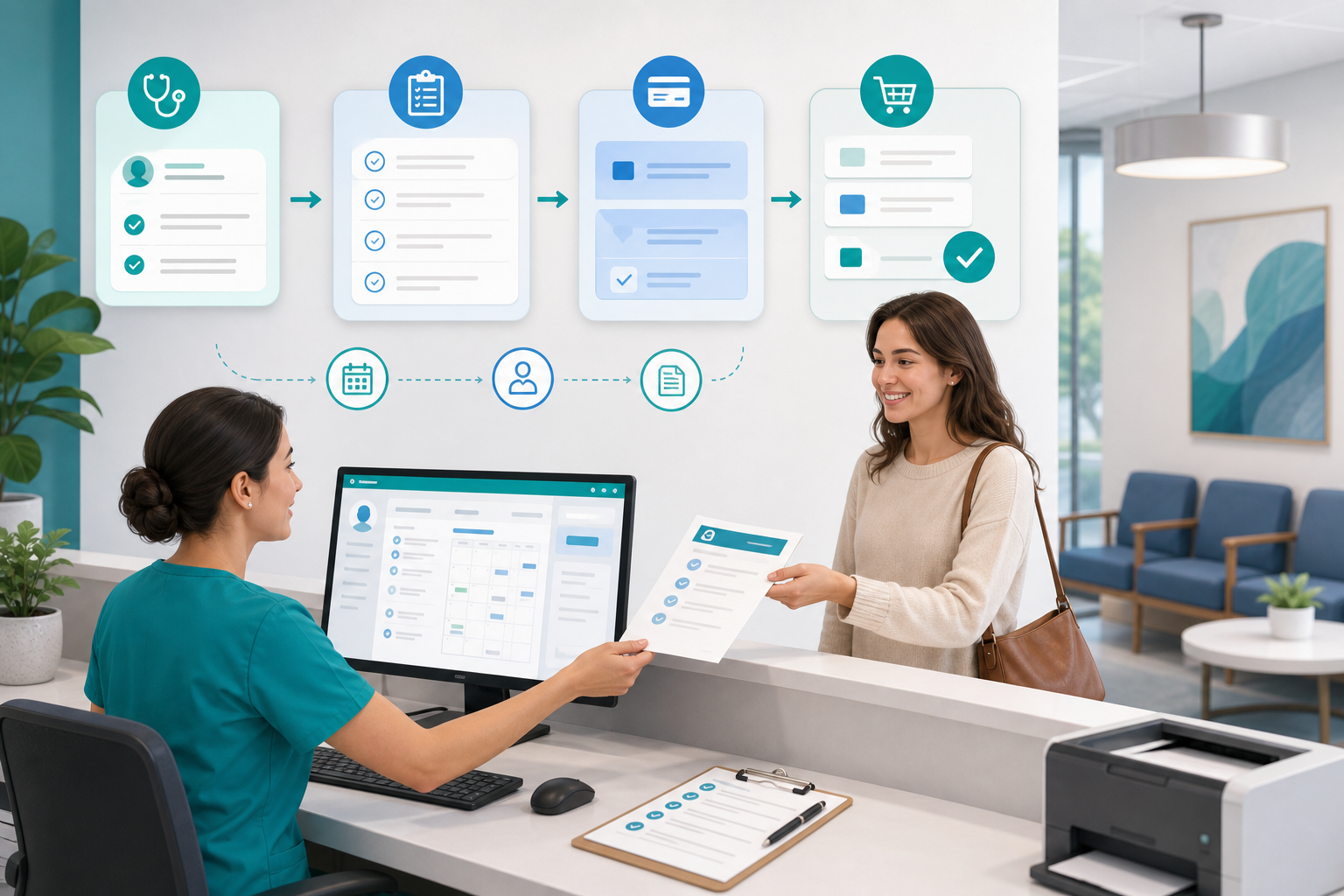
Same-day appointments are one of the hardest access challenges for small medical practices. Patients want quick answers when symptoms flare up, but every urgent patient request can feel like a threat to an already packed schedule. The good news is that same-day access does not have to mean constant double-booking, front-desk stress, or late-running clinics. With the right appointment triage rules, front desk workflow, and schedule optimization strategy, small practices can respond to urgent needs in a predictable, patient-friendly way.
For independent practices, the goal is not to say yes to every request. The goal is to create a reliable system that gets the right patient to the right level of care at the right time. That is what protects both patient safety and the day’s schedule.
Why urgent patient requests overwhelm small practices
Most schedule disruption is not caused by urgency alone. It happens because the practice has no consistent process for deciding what counts as urgent, who makes the decision, and where those patients fit in the schedule.
Common pain points include:
- Everything is treated as urgent. Without appointment triage guidelines, staff may feel pressured to offer immediate visits for issues that could be scheduled later.
- Front-desk staff carry clinical decisions they should not have to make alone. That creates risk, inconsistency, and unnecessary stress.
- Providers absorb the disruption differently. One clinician may squeeze patients in freely while another resists add-ons, leading to uneven access management.
- No protected capacity exists. If every slot is filled days in advance, same-day access can only happen through double-booking or delays.
- Patients are not given clear alternatives. When the practice cannot offer a visit, staff need scripts for nurse calls, telehealth, next-day options, or referral to urgent care or emergency care when appropriate.
A stable same-day workflow solves these problems by replacing improvisation with defined steps.
Start with a clear same-day appointments policy
Before adjusting your templates, define what your practice means by same-day access. A written policy should be simple enough for staff to use under pressure and specific enough to support consistency.
Define visit types that can qualify
Not every problem belongs in a same-day slot. Build broad categories that reflect your specialty, patient population, and clinician comfort. For example, a primary care office may reserve same-day capacity for:
- Fever, cough, sore throat, ear pain, urinary symptoms, rash, minor injury, or worsening chronic symptoms
- Medication side effects or questions that may require adjustment
- Post-hospital or post-ER follow-up when rapid review is appropriate
- Established-patient issues that can be addressed in a short in-person or telehealth visit
At the same time, create a short list of concerns that should be escalated immediately, redirected to emergency care, or routed to a clinician before scheduling. Public guidance from organizations such as HHS and CMS can help practices align patient communication, access, and documentation processes with broader care standards.
Set who can approve what
Small practices run better when staff know exactly where their authority begins and ends. A practical policy often looks like this:
- Front desk: may schedule defined low-risk same-day visit types using approved scripts and templates
- Medical assistant or nurse: reviews symptoms that need brief clinical screening before booking
- Provider: decides on borderline cases, overbook requests, or higher-risk symptoms
This protects staff from guessing and keeps urgent patient requests moving instead of sitting in limbo.
Build an appointment triage process your team can follow in real time
Appointment triage does not need to be complicated. In fact, the best workflows are short, repeatable, and easy to document.
Create a three-level triage model
Many small practices do well with a simple three-level structure:
- Emergency: Symptoms suggest a possible emergency. Staff should follow your emergency script and direct the patient to call 911 or go to the emergency department when appropriate.
- Urgent same-day: The patient likely needs attention today, but the issue can be managed through a same-day office visit, telehealth visit, or clinician callback.
- Routine: The issue can be scheduled into the next available routine slot, often with home-care guidance or return precautions if symptoms change.
Using three clear buckets reduces back-and-forth and improves access management.
Use standardized intake questions
Train the front desk to collect only the information needed to route the request, not to interpret symptoms clinically. A brief intake script might include:
- What symptoms are you having today?
- When did they start?
- Are they getting worse?
- Do you have fever, severe pain, shortness of breath, chest pain, bleeding, or dizziness?
- Are you an established patient for this problem?
- Would you be able to do a telehealth visit if offered?
These questions give clinical staff enough context to make a fast decision without turning the front desk into a triage clinic.
Tip: Keep the script visible at every scheduling station and inside your call documentation workflow. The easier it is to use, the more consistent your team will be.
Design the schedule to absorb urgent demand
Workflow matters, but schedule design is what makes same-day appointments sustainable. If urgent requests have nowhere to go, even the best triage process will fail.
Reserve protected same-day capacity
Many practices benefit from setting aside a small number of same-day appointment slots in each provider’s template. The exact number depends on your volume, specialty, and historic demand, but the principle is the same: protect a few slots before the day fills up.
Options include:
- Early release holds: Reserve a few slots and release them to routine scheduling if unused by a specific time
- Split urgent blocks: Keep one urgent slot in the morning and one in the afternoon to avoid bunching demand
- Pooled same-day capacity: Create shared urgent slots across providers when clinically appropriate
- Virtual-first urgent slots: Route appropriate concerns to telehealth to preserve in-office capacity
When paired with the right medical practice management software, these rules are easier to apply consistently and monitor over time.
Shorten the right visit types
Not every urgent patient request requires a full-length visit. Review your schedule template and define shorter visit types for simple acute concerns, quick medication checks, or focused follow-ups. This improves schedule optimization without forcing providers to work through lunch.
Be careful, though: shorter visits should reflect clinically appropriate scope, not wishful thinking. If your team constantly turns 10-minute acute slots into 25-minute appointments, the template needs to change.
Avoid unmanaged double-booking
Double-booking should be an exception, not a same-day strategy. If your practice relies on it daily, that is usually a sign of unmet access demand, poor template design, or inconsistent triage.
Instead of asking, “Can we squeeze this patient in somehow?” ask:
- Should this be same day, next day, telehealth, nurse advice, or urgent care?
- Do we have reserved capacity that has not been used yet?
- Can another provider or location within the practice see the patient?
- Is this a short acute visit or a longer evaluation?
Clarify the front desk workflow from first call to final disposition
Front-desk teams are the control point for access management. They need a workflow that is fast, documented, and respectful of patient anxiety.
Map the process step by step
A practical front desk workflow often looks like this:
- Receive the call, portal message, or walk-in request
- Use the approved symptom intake script
- Identify emergency red flags and escalate immediately if present
- Route to same-day scheduling, clinical review, or routine scheduling based on policy
- Offer the appropriate appointment type: in-person, telehealth, nurse call, next-day visit, or external referral
- Document the request, disposition, and patient instructions
- Confirm return precautions and what to do if symptoms worsen
This structure reduces the “let me put you on hold while I ask someone” cycle that frustrates patients and slows staff.
Give staff scripts they can actually use
Standard scripts improve consistency without making conversations sound robotic. For example:
- Same-day available: “We do have an urgent appointment option today. Let me confirm the best visit type for your symptoms.”
- Needs clinical review: “I’m going to have our clinical team review this right away so we can place you in the safest and most appropriate appointment.”
- No office slot appropriate: “Based on what you described, we want you evaluated more urgently than we can provide in the office. Please go to urgent care or the emergency department now, and if this is severe, call 911.”
Scripts should be customized by specialty and approved by clinical leadership.
Use technology to support schedule optimization, not add friction
Small practices do not need enterprise-level complexity to improve same-day access. They do need visibility into open capacity, quick routing, and simple documentation.
Helpful system features include:
- Color-coded schedule views for urgent hold slots
- Custom appointment types with defined durations
- Tasking or messaging for rapid clinical review
- Waitlist or cancellation-fill tools
- Reporting on fill rates, no-shows, and appointment lead time
- Integrated intake and notes that reduce duplicate work
If your current system makes same-day access hard to manage, it may be time to look at a more practical platform built for smaller organizations. MediCore’s practice platform overview and comparison resources for small practices can help you evaluate what matters operationally, not just technically.
Train clinicians and staff to protect consistency
A same-day workflow only works when the whole team follows it. If one provider says yes to every squeeze-in and another refuses all add-ons, the front desk is stuck in the middle.
Agree on operational rules
Meet briefly with clinicians and staff to define:
- Which visit types qualify for same-day appointments
- Which symptoms require nursing or provider review
- How many urgent slots each provider protects
- When those slots are released if unused
- When double-booking is allowed and who approves it
- How telehealth fits into acute access
Write these rules down. Review them quarterly. Update them when demand patterns change.
Practice with real scenarios
Use role-play or sample cases during staff training. Walk through common situations such as a child with fever, an adult with urinary symptoms, a patient calling about elevated blood pressure, or a post-discharge medication issue. This helps staff gain confidence before they are handling these conversations live.
Resources from HealthIT.gov can also support workflow planning and operational improvement as practices standardize communication and documentation.
Measure what is working and what is still causing disruption
You cannot improve same-day access by gut feeling alone. Track a few operational measures consistently and review them monthly.
Useful metrics include:
- Number of urgent patient requests per day or week
- Percentage scheduled same day
- Percentage routed to nurse advice, telehealth, next-day visits, urgent care, or emergency care
- Use rate of protected urgent slots
- Routine appointment lag time
- No-show rate for same-day visits
- Provider overtime or schedule overruns
- Patient complaints related to access
Patterns matter more than perfection. If same-day slots are always empty, you may be holding too much capacity. If staff are still overbooking every afternoon, demand may exceed the reserved space or triage rules may be too loose.
Common mistakes that make same-day access harder
Even well-intentioned practices can undermine their own workflow. Watch for these common issues:
- No written rules: Staff rely on memory, preference, or whoever answers the phone
- Too many exceptions: Every request becomes a special case
- Overly rigid scheduling: Templates leave no room for real-life patient needs
- Unclear patient messaging: Patients do not know when to call, use the portal, seek urgent care, or go to the ER
- No follow-up on outcomes: The practice never checks whether same-day access improved care or only moved chaos around
The right workflow is structured but flexible. It should reduce friction, not create more handoffs and delays.
A simple 30-day implementation plan for small practices
If your office is starting from scratch, keep the rollout manageable.
Week 1: Assess current demand
- Review the last 2 to 4 weeks of urgent patient requests
- Identify the most common same-day reasons for visits
- Count how often staff used overbooks or interruptions
Week 2: Build the rules
- Create three triage levels: emergency, urgent same-day, and routine
- Define approved visit types and escalation triggers
- Draft front-desk scripts and documentation steps
Week 3: Update the schedule template
- Add protected urgent slots
- Create short acute appointment types where appropriate
- Set release times for unused holds
Week 4: Train and test
- Train staff and clinicians together
- Run role-play scenarios
- Monitor daily for one week and adjust quickly
This phased approach makes change more realistic for busy teams. It also helps prevent the common mistake of changing the template without fixing triage and communication.
Conclusion: same-day appointments work best when the system is predictable
Same-day appointments should not depend on which staff member picks up the phone or how much chaos a provider is willing to absorb. For small practices, the most effective approach is a repeatable workflow: define what is urgent, route requests through simple appointment triage, protect a small amount of capacity, and give the front desk clear options to offer patients. When access management is intentional, urgent care needs can be met without sacrificing the entire day’s schedule.
If your practice is looking for simpler tools to support scheduling, communication, and daily operations, start a 14-day free trial or contact the MediCore team to see how a streamlined platform can help your office handle urgent requests more efficiently.
Frequently asked questions
How many same-day appointment slots should a small practice reserve?+
There is no single number that fits every practice. Start by reviewing recent urgent demand and reserving a small amount of daily capacity based on actual patterns, then adjust over time. The best target is the one that meets common urgent needs without leaving too many routine appointments unused.
Should front-desk staff decide whether a patient needs same-day care?+
Front-desk staff should follow a defined intake script and scheduling policy, but they should not be forced to make independent clinical judgments. A safer model is to let staff identify red flags, collect basic information, and route certain requests to a nurse or provider for review when needed.
Is double-booking a good strategy for urgent patient requests?+
Occasional double-booking may be necessary, but it should not be the foundation of your same-day access plan. If the practice is double-booking often, that usually signals a need for better template design, more consistent appointment triage, or additional urgent capacity.
Can telehealth be part of a same-day workflow?+
Yes, telehealth can be very useful for selected acute concerns, medication questions, and follow-up needs. It often preserves in-office capacity for patients who truly need an exam while still giving the practice a timely way to respond to urgent requests.
What should practices document for same-day urgent requests?+
At minimum, document the patient's stated concern, symptom timing, any red-flag responses, who reviewed the request if clinically escalated, the final disposition, and any instructions given. Good documentation protects the practice operationally and clinically, especially when a patient is redirected to urgent or emergency care.